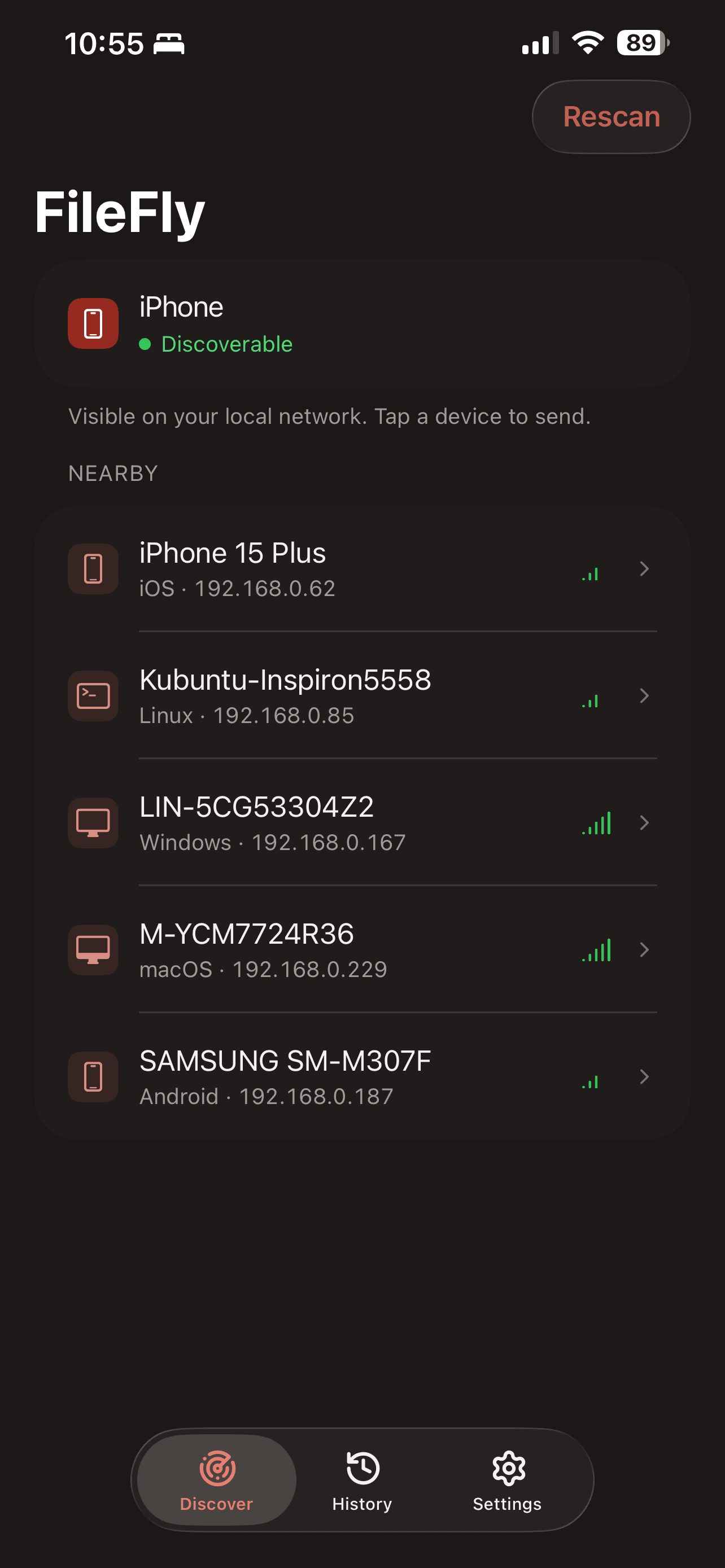
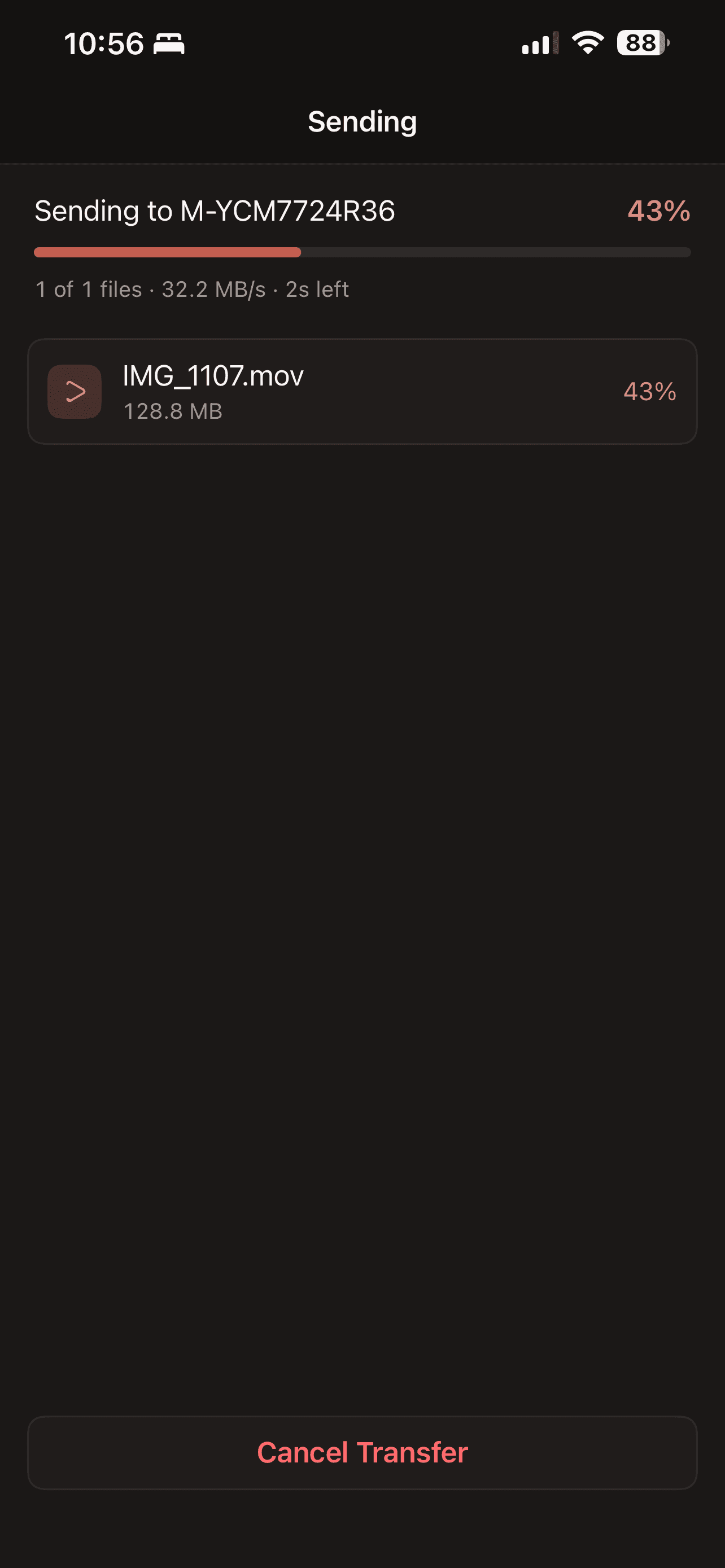
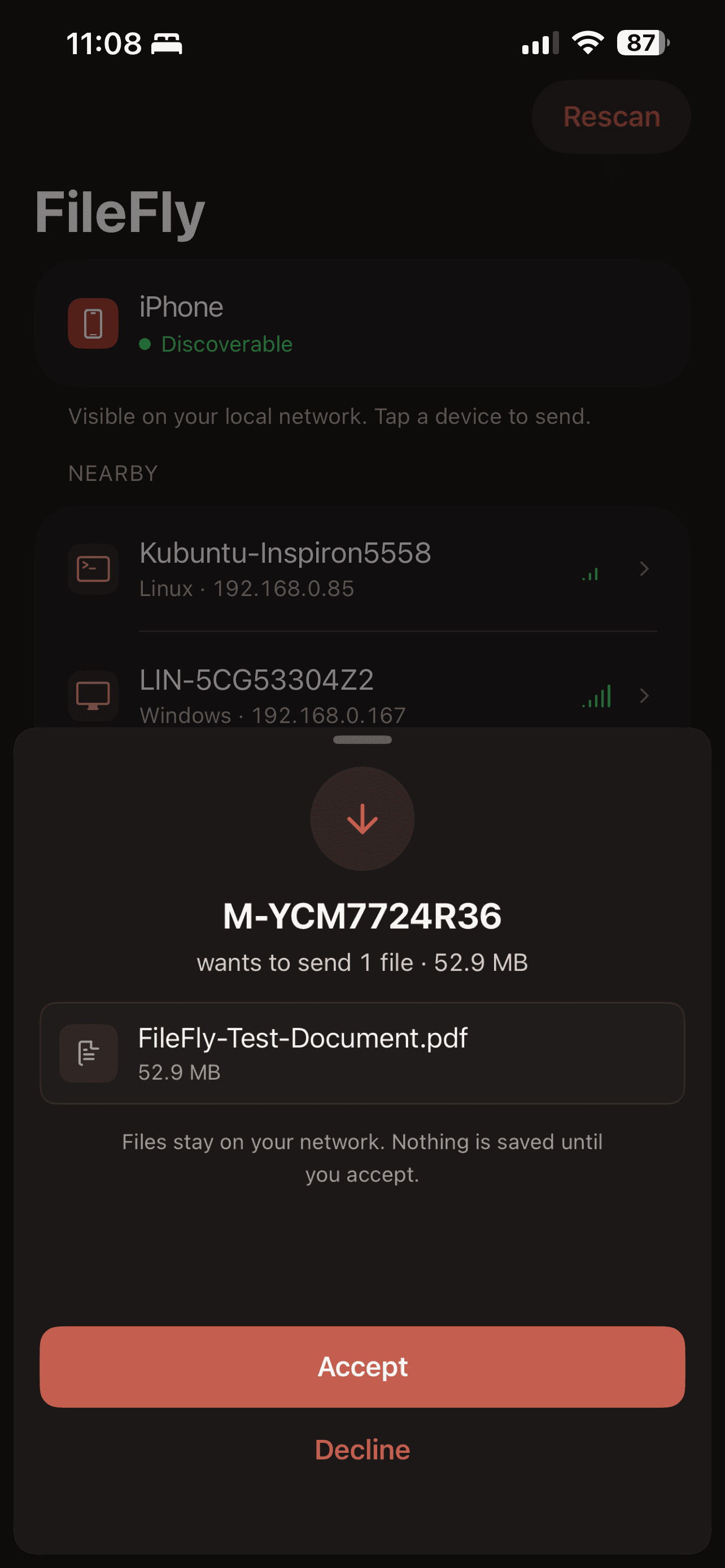
Free file transfers over Wi-Fi and your local network.
Transfer files from computer to computer, computer to mobile, or mobile to computer on the same local network. Supports Windows, macOS, Linux and iPhone over Wi-Fi or Ethernet.
- 100% free
- No account needed
- Stays on your network
Install FileFly on both devices and connect them to the same Wi-Fi or local network.
Mobile
iPhone
App StoreRequires iOS 18 or later
Android
Coming soon
Desktop
Windows
FileFly 3Microsoft StoreWindows 10 & 11
macOS
FileFly 3Mac App StoremacOS 11 or later
Linux
FileFly 3Snap StoreDebian/Ubuntu (64-bit), or any distribution with Snap support
What is FileFly?
FileFly is a free Wi-Fi and local network file transfer app. Send files from computer to computer, computer to mobile, or mobile to computer. Computers can run Windows, macOS or Linux; the supported mobile device is iPhone. Both devices must be on the same local network, connected over Wi-Fi or Ethernet. Files move directly between them, without cloud uploads or remote internet delivery.
FileFly is free forever
FileFly is free for personal and commercial use on Windows, macOS, Linux and iPhone. No subscriptions, hidden charges, advertisements or accounts.
Direct transfers on your local network
Peer-to-peer engine
Files travel directly over your local network. Transfer speed depends on your Wi-Fi or Ethernet connection, the devices and their storage; an internet upload is not needed.
Zero configuration
Instant auto-discovery between your PC, Mac, and Linux machines — no IP addresses, no accounts to create.
Stays on your network
Files move directly between your devices and never leave your local subnet.
FileFly 3 is here.
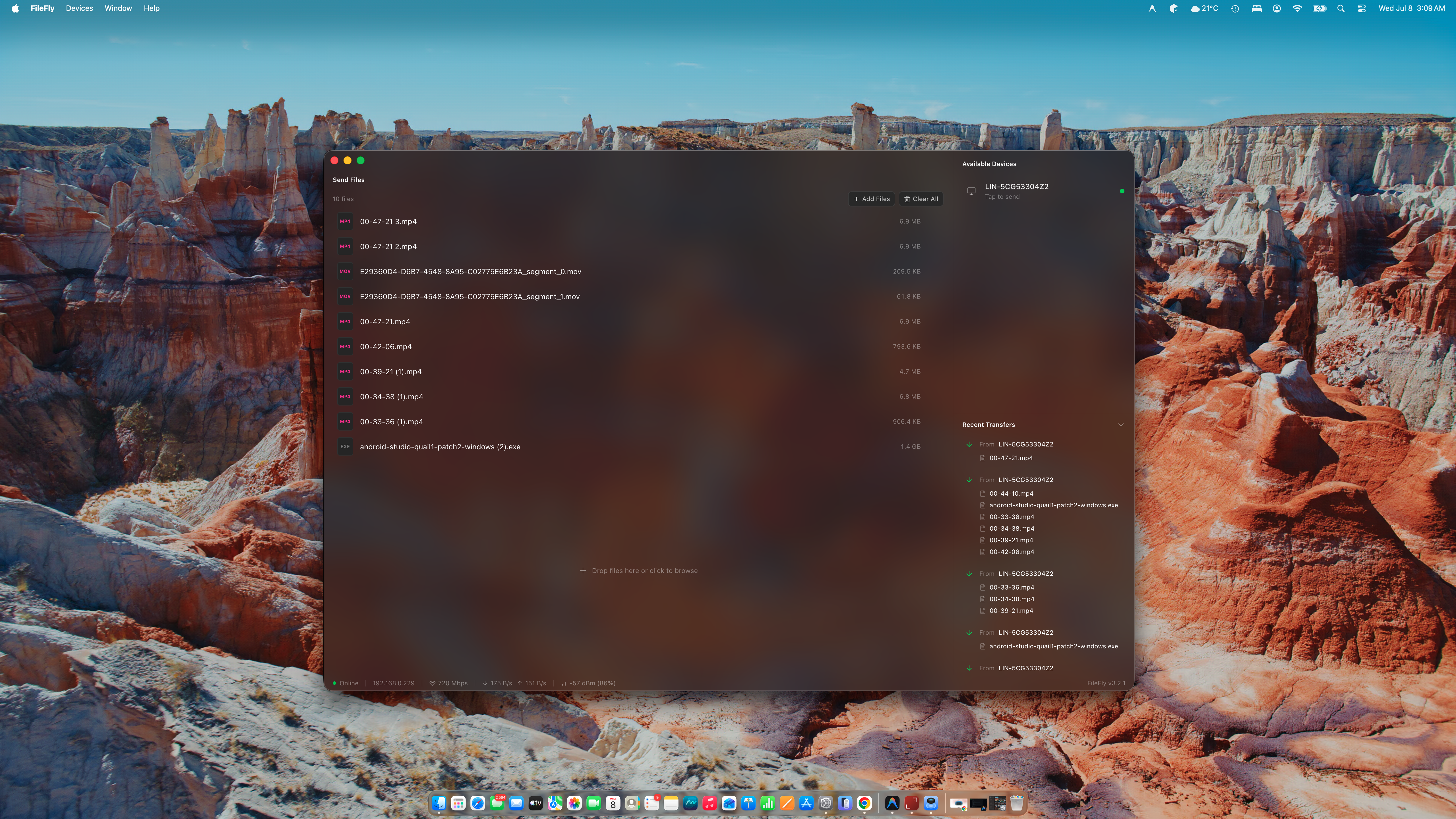
FileFly 3 brings direct local network file transfers to Windows, macOS and Linux. Connect your computers over Wi-Fi or Ethernet and send files without cloud uploads.
FileFly for iPhone is here
Your phone is on the same list as your computers. Send photos, videos and documents straight between them over your own Wi-Fi — nothing to pair, no cable, and no cloud in the middle.